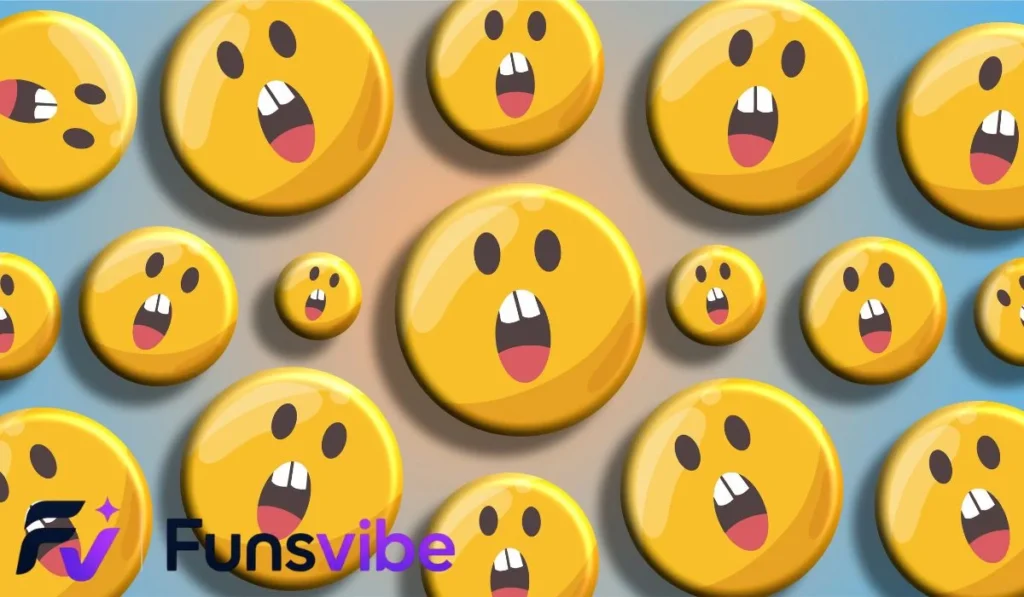
Fun emotes are small visual icons or animations used in digital messaging, gaming streams, and social media platforms. They allow users to express complex emotions, inside jokes, and humor quickly, helping creators build vibrant, highly engaged online communities with ease.
Have you ever noticed how a single tiny picture in a chat room can make an entire audience burst out laughing? That is the incredible power of fun emotes working behind the scenes!
If you want to bring your online streams, Discord servers, or group chats to life, learning how to use fun emotes effectively is the absolute best place to start.
These little graphic icons transform plain text into a lively, interactive playground where everyone feels connected. Let us explore how you can master these awesome tools to level up your digital presence today!
Understanding the World of Fun Emotes
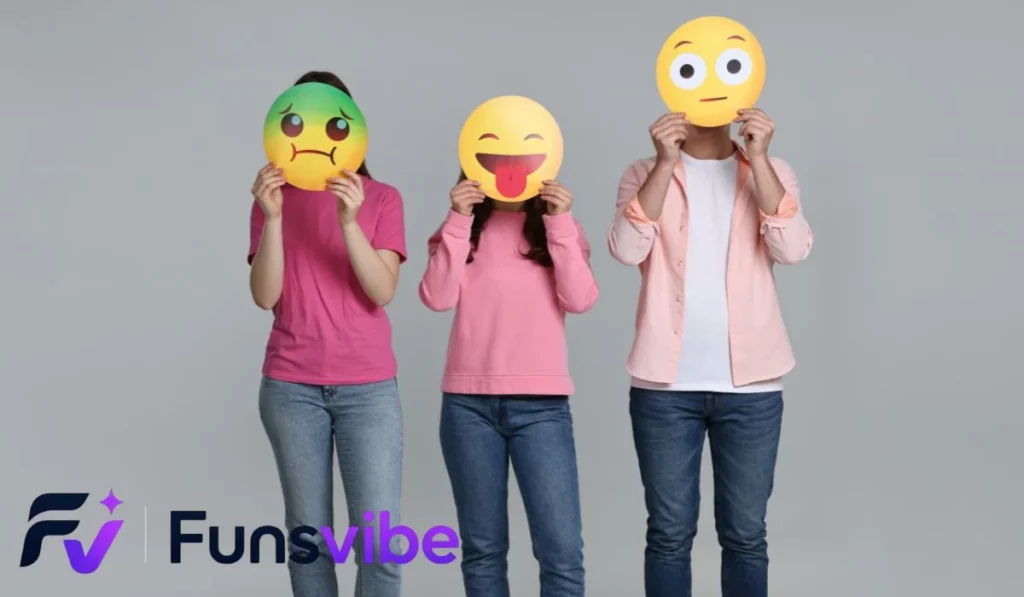
Digital communication used to be pretty dry. Back in the early days of the internet, people had to rely entirely on plain text to get their point across. It was easy for tone to get lost, leading to misunderstandings or boring conversations.
Today, graphic icons have completely changed how we chat with friends and followers. They bridge the gap between spoken words and visual cues, making every conversation feel much more personal.
When you drop a clever icon into a live chat, you are doing more than just sending a picture. You are sharing a feeling, building an inside joke, and inviting others to react with you in real time.
Why Visual Symbols Matter in Online Communities
Human brains are hardwired to process visual images much faster than written text. A well-timed graphic can convey excitement, confusion, or pure hilarity in less than a second.
In fast-moving chat environments like Twitch or YouTube Live, messages scroll past eyes at lightning speed. Text often gets buried immediately, but a bright visual instantly grabs attention.
When community members share unique visuals, it creates a sense of belonging. Everyone using that specific icon becomes part of an exclusive group that shares the same humor.
The Evolution from Simple Text to Animated Graphics
The journey of digital symbols began with basic text combinations known as emoticons. People would type a colon followed by a parenthesis to show a friendly smile.
Over time, these text characters evolved into colorful static images called emojis. While emojis are standard across most phones, custom platforms needed something far more tailored and unique.
That need gave birth to modern custom graphics and animated loops. Now, creators can upload personalized art, inside memes, and high-energy animations designed specifically for their personal audience.
Key Types of Custom Chat Graphics
Not all digital symbols serve the same purpose in a conversation. Understanding the different styles helps you choose the right options for your specific space.
Some options focus on pure emotional expression, while others highlight community memes or special events. Having a diverse collection ensures your chat stays dynamic and fresh.
Let us break down the primary categories you will encounter as you build out your personalized collection.
Expressive Character Graphics
Character graphics feature faces, mascots, or recognizable figures making distinct expressions. These are the workhorses of any active chat room.
- Joyful Expressions: Characters laughing uncontrollably, weeping tears of joy, or giving enthusiastic thumbs-up signals.
- Salty Reactions: Faces showing playful anger, dramatic eye rolls, or facepalms when something goes wrong during a game.
- Hype Symbols: Mascots dancing, holding glowsticks, or showing ultimate excitement when something amazing happens on screen.
Using a mascot for these expressions helps strengthen your brand identity. Viewers begin associating that specific character directly with your content channel.
Text-Based and Keyword Graphics
Sometimes text is still the best option, but it needs a major visual upgrade to stand out. Text-based graphics feature stylized typography with bold colors and outlines.
Words like “GG” for good game, “POG” for high excitement, or “FAIL” for silly mistakes work wonderfully as standalone graphics. They allow viewers to shout out common phrases without clogging the chat line.
Adding glowing effects or simple animations to text graphics makes them pop off the screen even more during intense stream moments.
Animated Loops and Interactive Icons
Static images are great, but animated graphics bring a whole new tier of energy to your room. Small moving loops catch the eye immediately.
A dancing duck, a flashing party sign, or a character dramatically sipping tea creates a dynamic visual experience. Motion adds extra personality that still images just cannot match.
However, it is wise to balance animated options with static ones. Too much movement at once can render a chat stream difficult to read for new viewers.
Designing Graphics That Your Audience Will Love
Creating your own customized assets is one of the most rewarding steps in building a community. You do not need to be a professional master artist to get awesome results.
The secret lies in understanding what makes an image readable at extremely small sizes. A piece of art that looks great on a huge canvas might turn into a blurry mess at tiny dimensions.
Focusing on clean lines, high contrast, and clear concepts will ensure your visual art looks crisp on every screen.
Keeping Designs Clean and High Contrast
Chat graphics are typically rendered at tiny sizes, often as small as 28 by 28 pixels on modern screens. Complex details quickly get lost at that scale.
- Use Bold Outlines: Thick, dark borders help separate your main character or subject from the chat background color.
- Limit Your Color Palette: Stick to two or three bright, contrasting colors rather than a full rainbow gradient.
- Focus on Large Features: Exaggerate facial expressions, big eyes, and large mouth shapes so the emotion is instantly obvious.
If a design feels too busy when you zoom out, strip away background elements until only the core message remains visible.
Capitalizing on Inside Jokes and Community Memes
The best custom graphics often come directly from spontaneous moments during your live streams or group conversations.
Did you accidentally hilariously lose a game? Turn that exact moment into a custom badge or silly face for your chat to use whenever you make a mistake.
When viewers see their shared memories transformed into official channel tools, they feel valued and connected to the channel history.
Sizing and Formatting Requirements Overview
Different streaming platforms and chat software have distinct file requirements. Preparing your files correctly saves a massive amount of technical headaches later.
Always save your final artwork on a completely transparent background using PNG formats for static images and GIF formats for moving loops.
How to Integrate Graphics Across Popular Platforms
Once your visual collection is designed and ready, you need to set them up on your favorite platforms. Each service handles custom assets slightly differently.
Fortunately, most modern apps make uploading easy for creators. Following a few simple steps will have your custom icons live and active in just minutes.
Let us walk through setting up your new assets on the most popular social and gaming destinations online today.
Setting Up Custom Symbols on Twitch
Twitch is widely considered the birthplace of modern custom chat culture. Offering exclusive graphics is a major incentive for viewers to subscribe to your channel.
To upload your art, navigate straight to your Creator Dashboard. From there, select the Viewer Rewards tab and click directly on Emotes.
You can choose to upload three separate sizes manually or upload one large square image and let Twitch automatically handle the resizing process for you.
Once submitted, new graphics undergo a brief automated or manual review process before your active subscribers can start using them in live chat.
Customizing Your Community Discord Server
Discord offers an incredibly flexible environment for sharing custom visual assets with friends and gaming buddies. Server owners can add dozens of free slots right away.
To add graphics to your server, open your Server Settings menu and select the Emote tab. Click the upload button and select your desired PNG or GIF files from your computer.
Give each uploaded graphic a short, memorable shortcode so members can easily type them into conversations.
As your server levels up through community boosts, you will unlock even more slots for both static and animated creations.
Adding Fun Assets to YouTube and Kick
YouTube Gaming and Kick both feature robust membership systems that support personalized viewer perks.
On YouTube, go to your Studio, select Memberships, and upload your custom badge and icon assets under the upload tab. Make sure your graphics fit their square requirements.
On Kick, access your Creator Dashboard, select the Settings tab, and click on Emotes. Upload your graphics directly into the appropriate Tier 1, Tier 2, or Tier 3 slots.
Both platforms give creators flexibility to organize perks, reward loyal fans, and keep chat interactions lively during broadcasts.
Strategic Ways to Use Chat Graphics for Audience Growth
Custom visual art is far more than just a decorative feature for your channel. When used strategically, it serves as a powerful marketing and community-building tool.
Every time a member uses your custom icon in another chat server, they are passively spreading awareness for your community brand.
Let us examine actionable strategies to leverage your graphic assets to grow your audience and boost overall viewer retention.
Creating Subscription Tier Incentives
Offering tier-exclusive graphics is one of the most effective ways to convert casual viewers into paying subscribers or channel supporters.
Place your most popular, desired, or highly versatile designs into your base subscription tier so as many people can access them as possible.
Save specialized, gold-themed, or extra-animated variations for higher subscription tiers to give super-fans something extra special to unlock.
When non-subscribers see others using awesome graphics in chat, they naturally want to join in on the fun and support the channel too.
Hosting Interactive Chat Events
You can design entire stream events around community interactions using your custom visual collection.
- Hype Trains: Encourage your entire chat to flood the screen with a specific hype graphic whenever a new subscriber joins the room.
- Boss Battles: Set up stream overlays where chat members damage on-screen monsters by spamming specific attack graphics into text.
- Community Polls: Allow viewers to vote on stream decisions by sending specific corresponding graphics instead of typing out words.
These interactive events turn passive viewers into active participants, keeping them engaged with your stream content for much longer periods.
Promoting Your Brand Beyond Your Stream
When users fall in love with your custom graphics, they will want to use them outside of your specific channel room.
By granting Global Permissions through Discord or third-party stream extensions like FrankerFaceZ and BetterTTV, your fans can drop your art into other participating communities.
Seeing an adorable mascot face appear in a massive tournament chat room acts like a mini billboard for your personal stream channel.
Curious viewers will hover over the graphic, see your channel name, and head over to check out your content.
Common Mistakes to Avoid with Custom Graphics
While adding graphics is tons of fun, there are a few common pitfalls that can hurt the viewer experience if you are not careful.
Avoiding simple mistakes will ensure your chat remains legible, friendly, and welcoming to brand-new visitors who drop in for the first time.
Here are the most critical mistakes to watch out for as you build and deploy your collection.
Avoid Overcrowding the Visual Workspace
It is easy to get overexcited and upload dozens of graphics all at once. However, having too many options can actually overwhelm your viewers.
When users face hundreds of choices, they often suffer from decision paralysis and end up using none of them at all.
Start with a solid core collection of five to ten highly versatile options. Gradually add new creations over time based on actual audience demand.
Periodically retire older, unused designs to keep your active list organized, clean, and easily navigable for everyone.
Ensure Universal Readability on Dark and Light Themes
Many chat platforms allow users to switch freely between Light Mode and Dark Mode color themes.
A dark black graphic line art might look crisp and clear on a bright white background, but it will vanish completely on a dark grey interface.
Always test your uploaded artwork against both pure white and pure black backgrounds before finalizing the design.
Adding a thin white outer stroke around dark elements ensures your graphics remain 100% visible regardless of the user interface settings.
Respecting Copyright and Fair Use Rules
It can be tempting to grab artwork, popular cartoon characters, or corporate logos directly from image search engines to use as custom graphics.
However, doing so can lead to copyright strikes, DMCA takedowns, or even permanent channel suspensions on major streaming platforms.
Always create original artwork from scratch or hire a professional artist who grants you full commercial rights to use the designs.
Using original creations protects your business account while establishing a completely unique brand identity that no one else can copy.
Practice Exercise
- What is the main reason bold outlines are used in tiny graphic designs?
A. To make the file size larger
B. To improve readability on different screen backgrounds
C. To satisfy platform copyright policies
D. To convert static images into animated files automatically - Which color background format should always be used for custom graphics?
A. Solid White
B. Bright Green
C. Transparent
D. Dark Grey - What primary file format is standard for static custom graphics?
A. JPEG
B. PNG
C. PDF
D. MP4 - What happens when you put too much detail into a small graphic design?
A. The artwork becomes blurry and hard to read at small sizes
B. The image automatically animates on screen
C. The platform rejects the file for high quality
D. The colors change automatically - Which tool allows Twitch viewers to use third-party custom channel graphics?
A. Excel Spreadsheet
B. BetterTTV or FrankerFaceZ extensions
C. Video Editing Software
D. Audio Mixer Software - Why are higher-tier subscription graphics effective for channel growth?
A. They lower the stream lag
B. They give loyal supporters unique rewards for higher contributions
C. They turn off dark mode for viewers
D. They automatically moderate toxic chat comments - What is the recommended strategy when testing artwork on light and dark mode themes?
A. Add a thin stroke or outline to dark elements
B. Use only grey colors in every design
C. Delete dark mode completely from your server
D. Force all viewers to use light mode - Which image dimensions are standard for Discord custom graphics uploads?
A. 128×128 pixels
B. 1920×1080 pixels
C. 50×500 pixels
D. 12×12 pixels - What is the best source for legal, safe custom graphic assets?
A. Downloading copyrighted cartoon screenshots online
B. Copying graphics from famous streams without asking
C. Designing original art or hiring an artist with commercial rights
D. Taking photos of trademarked products
Answer Key
- B | 2. C | 3. B | 4. A | 5. B | 6. B | 7. A | 8. A | 9. C
FAQs
1. What are fun emotes used for in online chats?
Fun emotes are small graphic icons or animations used to express feelings, share inside jokes, and make text conversations more interactive. They help build community identity and allow viewers to react quickly during fast-moving live streams.
2. How do I make my own custom chat graphics?
You can create custom graphics using digital art programs like Photoshop, GIMP, or Canva. Focus on high-contrast colors, bold outlines, and simple designs on a transparent background, then export your artwork as a square PNG file.
3. Do I need to be an affiliate to use graphics on Twitch?
Yes, you need to reach Twitch Affiliate or Partner status to unlock official custom subscriber slots. However, non-affiliates can still use third-party extensions like BetterTTV to share custom graphics with their chat community for free.
4. What is the ideal canvas size for designing custom assets?
It is best to design your original artwork on a large square canvas, such as 500 by 500 or 1120 by 1120 pixels. This allows you to work comfortably on details before scaling the final image down to platform sizes.
5. Can I use copyrighted images as my channel graphics?
No, using copyrighted characters, logos, or artwork without permission can result in DMCA copyright strikes and account bans. Always create original artwork or commission an artist to design legal assets for your community.
Conclusion
Mastering the use of fun emotes is one of the single best moves you can make as a content creator or community manager. These versatile little visual tools transform basic chat rooms into vibrant spaces filled with laughter, excitement, and true community spirit.
By focusing on simple, high-contrast designs, listening to inside memes from your audience, and organizing your rewards across platforms, you can build an unforgettable brand experience. Your viewers will love having custom ways to express themselves every time you go live.
Now that you know the rules for success, it is time to start creating your own custom collection. Grab a sketchbook, talk with your community, and start bringing your unique vision to life today!

Zoey Carter is the creator and writer behind funsvibe.com, a friendly website where readers can discover interesting, entertaining, and useful content. She enjoys exploring different topics and turning fresh ideas into simple, engaging articles that are easy to understand. Zoey believes that good content should be informative while still feeling natural and enjoyable to read.
Through funsvibe.com, Zoey Carter focuses on sharing original, reader friendly content with a warm and conversational style. She enjoys researching new subjects, discovering helpful information, and presenting ideas in a clear way. Her goal is to make every visit enjoyable while giving readers something valuable to discover and remember.