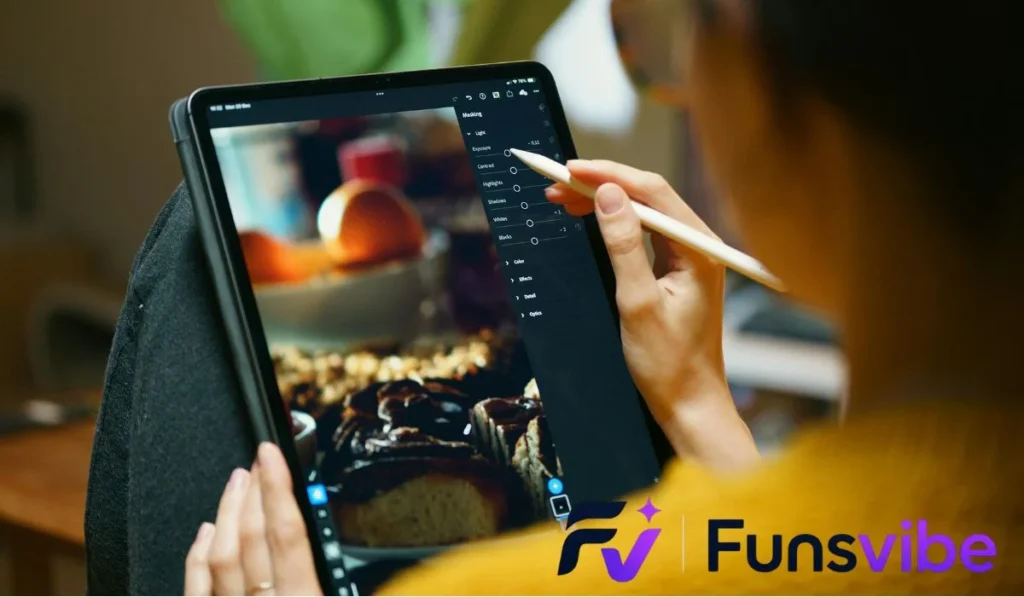
Fun editing is the art of transforming raw video footage into highly engaging, creative, and entertaining content using playful cuts, dynamic visual effects, sound design, and clever pacing. It turns ordinary clips into memorable, shareable videos that instantly hook viewers on social media and video platforms.
Have you ever wondered why some videos make you laugh instantly while others feel dull after five seconds? The secret often comes down to fun editing, which turns simple everyday clips into creative visual masterpieces.
Mastering fun editing allows you to express your unique personality while building strong connections with your audience. You do not need expensive Hollywood software or a film degree to create videos that people love to watch and share.
Let us explore the core techniques, creative secrets, and practical steps that make fun editing such an enjoyable and rewarding skill to learn.
What Is Fun Editing and Why Does It Matter?

At its core, creative editing is all about keeping your audience entertained, curious, and emotionally connected to your story. Instead of just cutting out dead space, you add playful energy through sound, motion, and visual humor.
When you practice playful post-production, you turn standard footage into a dynamic experience that holds attention. It gives creators a distinct visual voice that stands out in crowded social media feeds.
The Psychology Behind Engaging Edits
Human brains naturally seek novelty, movement, and emotional surprise. Quick visual changes prevent boredom and keep our focus glued to the screen.
When an unexpected sound effect plays during a funny mistake, your brain releases a small hit of dopamine. That tiny emotional spark is why creative video tricks make watching content so addicting.
Moving Beyond Boring Traditional Cutting
Traditional editing focuses heavily on smooth, invisible cuts designed to hide the editor’s work completely. While that style works great for serious documentaries, playful post-production throws those strict rules out the window.
You can freeze frames, zoom in suddenly on funny facial expressions, or drop quirky text pop-ups anywhere you want. Breaking classical rules on purpose is often where the real magic happens.
Setting Up Your Creative Editing Workspace
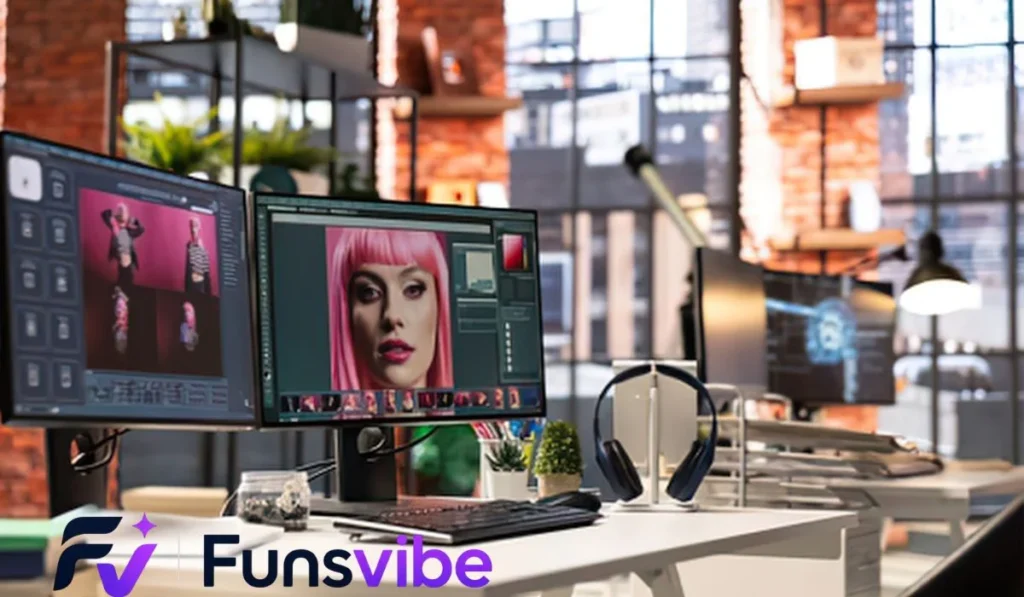
Before jumping into your first project, having a comfortable and simple setup saves you time and frustration. You do not need thousands of dollars in gear to get fantastic results right away.
Creating an organized editing workspace helps you stay focused on being creative rather than searching for lost files.
Choosing the Right Software for Your Style
Selecting the right app depends on whether you prefer editing on a phone, tablet, or desktop computer.
- Mobile Editing Apps: Applications like CapCut and InShot offer powerful one-tap effects, stickers, and simple timeline tools perfect for fast social clips.
- Desktop Software: Programs like DaVinci Resolve, Premiere Pro, or Final Cut Pro give you deep control over keyframes, precise audio mixing, and detailed color correction.
- Web-Based Editors: Browser tools allow quick edits on Chromebooks or shared computers without downloading heavy software installation packages.
Organizing Your Media Assets Cleanly
Nothing ruins creative flow faster than hunting through a messy downloads folder for a single sound effect.
Create labeled folders for raw video clips, background music, sound effects, logos, and graphics before starting. Keeping your project files tidy makes the entire editing process feel smooth and stress-free.
Core Techniques of Fun Editing Explained
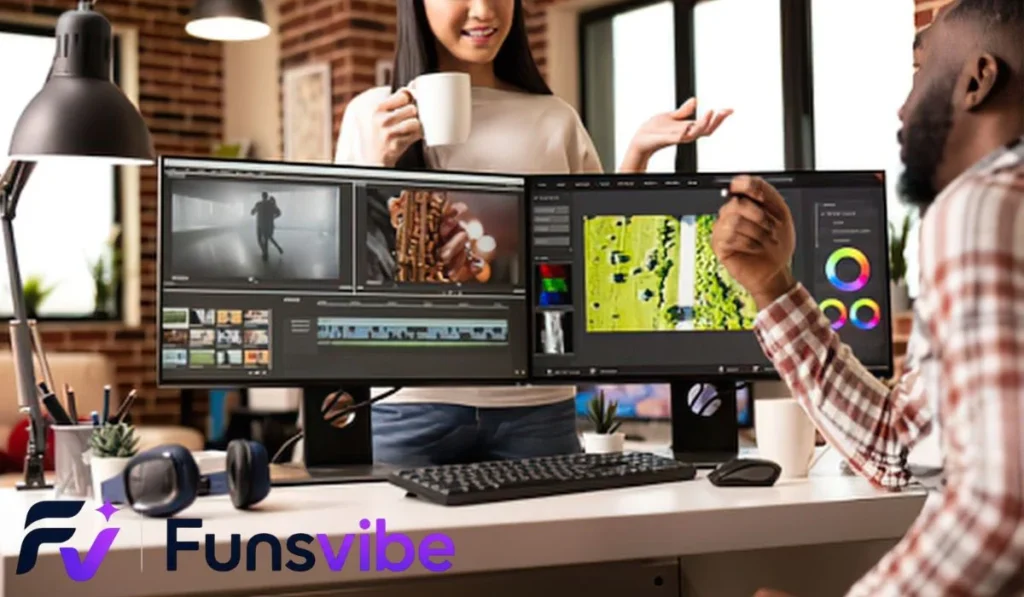
Now let us break down the essential techniques that bring energy and humor into your video projects step by step.
Applying these basic building blocks gives you immediate control over how your audience feels while watching.
Jump Cuts and Speed Ramping
A jump cut abruptly removes a small slice of time from a continuous shot, making the action leap forward suddenly. It creates a fast, snappy rhythm that works wonders for comedy and quick tutorial videos.
Speed ramping changes the video playback speed smoothly from slow motion to fast forward in a single clip. You can use it to emphasize an exciting jump, a silly fall, or a dramatic reaction.
The Art of the Dramatic Zoom
Zooming in suddenly on a presenter’s face during an awkward moment is a classic comedic editing trick.
- Snap Zoom: A rapid, instant zoom that highlights a surprised expression or key detail.
- Slow Creep: A gradual, almost unnoticed zoom in that builds tension or quiet absurdity.
- Whip Zoom: A fast zoom combined with motion blur that transitions between two totally different scenes.
Using Sound Effects for Maximum Impact
Audio accounts for at least half of the viewer’s emotional experience when watching a video.
Placing a squeaky toy sound over a cute pet video or a dramatic record scratch during a mistake instantly signals the humor to your audience. Always adjust sound effect volumes so they punch cleanly without hurting ears.
Advanced Visual Tricks and Effects
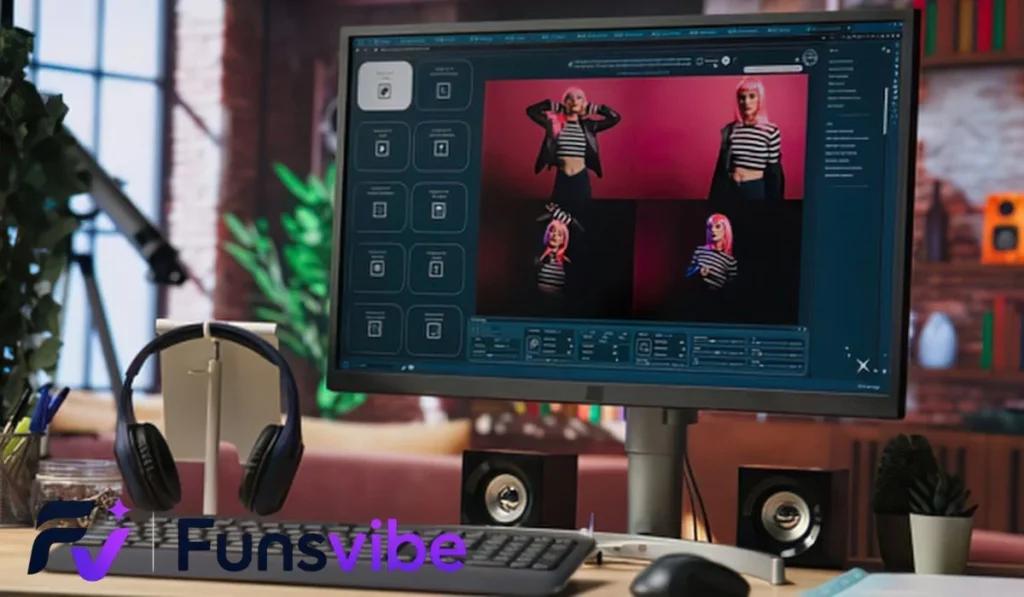
Once you feel comfortable with basic cuts and audio clips, adding advanced visual tricks takes your work to a professional level.
These techniques sound complex at first, but modern editing software makes them surprisingly easy to execute.
Masking and Clone Effects
Masking allows you to hide or reveal specific parts of a video clip using custom shape paths.
You can use masking to create a clone of yourself talking directly to yourself on screen. Simply shoot two separate takes with your camera locked on a tripod, then layer them and cut out half of the top video layer.
Match Cuts and Seamless Transitions
A match cut links two different scenes using similar actions, shapes, or motions.
For example, you can throw a hat toward the camera in your bedroom and catch it while standing on a sunny beach. The continuous motion tricks the eye into seeing a seamless, magical travel leap.
Text Animations and Motion Graphics
Adding kinetic text makes your message clear even for viewers watching videos with their sound turned off.
- Bouncing Titles: Letters pop onto the screen with a playful spring animation.
- Color Highlights: Words change color in sync with the speaker’s voice for added emphasis.
- Tracking Labels: Text boxes float attached directly to moving objects in the frame.
Editing Comparison Across Platforms
Editing tools vary across platforms, offering different features, creative options, and user experiences. Comparing them helps users choose the right platform for their editing needs. From simple adjustments to advanced creative effects, each option provides unique benefits for beginners, creators, and professionals seeking efficient and engaging results.
Ease of Use
Simple interfaces make editing easier for beginners, while advanced platforms offer greater control.
Features and Tools
Different platforms provide unique filters, effects, transitions, templates, and customization options.
Performance and Results
The best platform delivers smooth performance, high-quality edits, and reliable results across different devices.
Pacing and Storytelling Secrets
Great editing is not just about stacking cool visual effects on top of each other until the screen explodes.
Without proper pacing and a clear storyline, too many effects can overwhelm viewers and cause them to click away early.
The Rhythm of Cutting to Music
Editing your cuts directly to the beat of a song creates an amazingly satisfying visual rhythm.
Mark the audio waveform peak on every drum hit or bass drop in your timeline. Then, snap your video scene changes directly to those markers so the visual movement dances with the soundtrack.
Creating High-Energy Intro Hooks
The first three seconds of your video determine whether someone stays or keeps scrolling through their feed.
Start with a curiosity-building question, a hilarious sneak peek of the climax, or a dramatic visual action right away. Never waste those vital opening moments on slow titles or silent background footage.
Balancing Chaos and Calm
Even high-energy comedy videos need brief moments of quiet rest so the fast jokes hit harder.
If every second features popping text, flashing lights, and loud sirens, viewers suffer from visual fatigue. Alternate between intense editing sequences and calmer storytelling moments to keep the experience enjoyable.
Common Editing Mistakes to Avoid
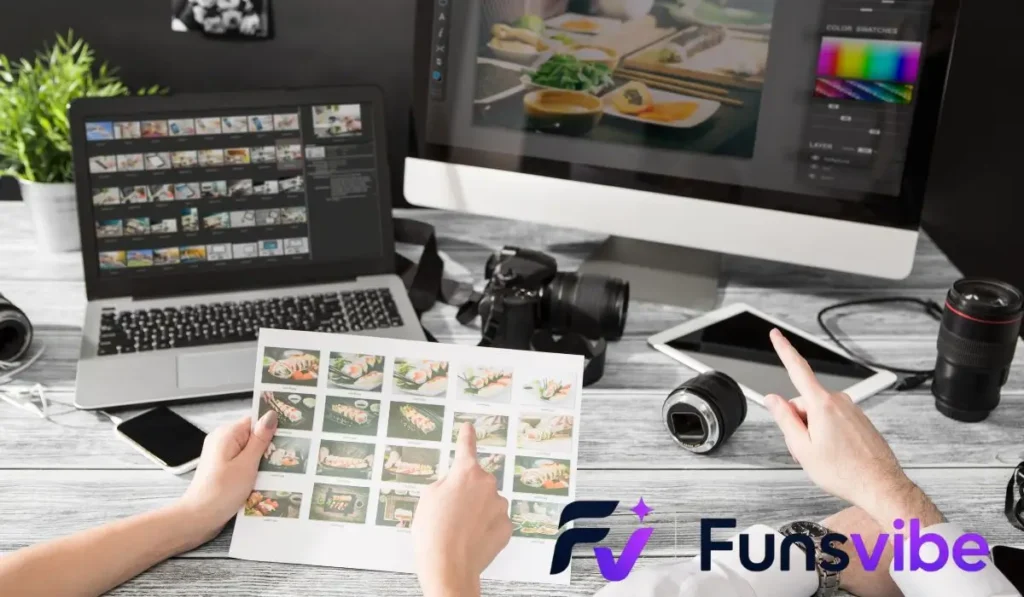
Even experienced creators fall into bad habits that degrade the quality of their final video exports.
Knowing what errors to look for helps you polish your work before publishing it for the world to see.
Overusing Flashy Transitions
Spinning 3D cube transitions and fiery explosion wipes can distract from your main story content.
Use simple cuts, zooms, or subtle whip pans ninety percent of the time. Save flashy custom transitions for special moments where they genuinely add comedic or narrative value.
Ignoring Audio Leveling and Mixing
Inconsistent audio forces viewers to constantly adjust their volume knobs, which ruins the viewing experience.
- Keep main voice tracks clear, crisp, and centered in the stereo mix.
- Duck background music levels lower whenever someone speaks so words stay legible.
- Normalize overall project audio output to standard platform loudness guidelines.
Neglecting Color Correction Basics
Unedited camera footage often looks flat, dark, or washed out straight out of the lens.
Applying a small boost to contrast and saturation brings life and vibrant pop into your scenes. Ensure skin tones look natural before applying stylized color filters over the whole video project.
Practical Editing Workflow for Beginners
Following a clear, step-by-step process keeps your projects moving forward smoothly without getting stuck in details too early.
Here is an ideal production path designed to save energy and maximize creative results.
Step 1: Assembly and Rough Cut
Begin by dropping all your raw video clips into the project timeline in chronological order.
Trim away mistakes, long pauses, clear throat noises, and unwanted footage until you have a lean rough story arc. Do not worry about music, color, or fancy text pop-ups during this initial phase.
Step 2: Fine Editing and Audio Design
Once your narrative structure feels solid, refine the exact placement of every individual cut down to the frame.
Add your background music tracks, place punchy sound effects under key actions, and level all audio meters carefully. This step transforms a basic story into an energetic visual experience.
Step 3: Visual Polish and Export
Finish your creation by adding stylized text overlays, color adjustments, graphics, and motion tracking elements.
Watch the entire project from start to finish without pausing to test the natural flow and emotional impact. Finally, export your master file using high-quality video codec settings matched to your destination platform.
Practice Exercise
- What is the primary purpose of applying jump cuts in video editing?
A. To hide all lighting mistakes permanently
B. To create a fast, snappy pace by removing downtime
C. To convert horizontal video into vertical video automatically
D. To reduce file size without re-encoding - Which audio technique lowers background music volume when a voice track plays?
A. Frequency splitting
B. Audio ducking
C. Phase cancellation
D. Pitch shifting - What aspect ratio is standard for vertical short-form social videos?
A. 16:9
B. 4:3
C. 9:16
D. 21:9 - How do you create a simple clone effect on screen using masking?
A. By filming two takes on a locked tripod and layering them
B. By zooming in 300 percent on a single actor
C. By increasing the frame rate to 120 frames per second
D. By applying a heavy blur filter to the background - Which camera movement is mimicked in editing to highlight a funny expression instantly?
A. Slow pan
B. Snap zoom
C. Tilt up
D. Roll angle - What happens when an editor cuts video clips directly on the musical beat?
A. The video file corrupts
B. It creates a satisfying visual rhythm synchronized with audio
C. The colors change from warm to cool tones
D. The frame rate drops to zero - Why are the first three seconds of an online video called the “hook”?
A. They are the only part recorded with audio
B. They grab viewer attention before they scroll away
C. They automatically generate ad revenue
D. They contain the end screen links - What is speed ramping used for in a video project?
A. Changing playback speed smoothly within a single clip
B. Exporting files ten times faster than normal
C. Converting audio files into text captions
D. Increasing camera battery life during shoots
Answer Key
- B | 2. B | 3. C | 4. A | 5. B | 6. B | 7. B | 8. A
FAQs
1. Do I need a powerful computer to start editing videos?
No, you do not need an expensive computer setup to begin your journey. Modern smartphones and entry-level tablets run powerful editing apps that easily handle high-definition video editing, cutting, and effects rendering.
2. How long does it take to learn basic editing skills?
You can pick up fundamental cutting, text additions, and sound placement within a single afternoon of practice. Mastery comes over time as you experiment with different styles, transitions, and pacing techniques on real projects.
3. Where can I find free sound effects and music for videos?
Many platforms provide royalty-free media libraries specifically designed for creators. Sites like YouTube Audio Library, Freesound, and built-in mobile app asset stores offer thousands of safe audio clips for public video projects.
4. What is the best way to practice editing if I have no footage?
You can download free stock footage from royalty-free websites or shoot quick, silly clips around your home using your phone. Practicing on low-stakes personal projects gives you total freedom to experiment without pressure.
5. How can I make my text overlays easier to read on screen?
Add a subtle drop shadow, black stroke outline, or semi-transparent background box behind your text. This simple graphic design trick ensures white or colored letters stay crisp and readable over bright backgrounds.
6. Should I edit on a phone or a computer to start?
Starting on a smartphone is fantastic for quick social media clips because touch controls feel intuitive and direct. Transitioning to a computer later gives you far more precise control over complex multi-track timelines and detailed audio mixes.
Conclusion
Mastering fun editing opens up an incredible world of creative expression, allowing you to transform basic video moments into engaging stories. By using fast pacing, clever sound effects, expressive zooms, and clear visual hooks, you create content that truly connects with viewers worldwide.
Remember that great post-production is an ongoing journey of creative experimentation rather than strict technical rules. Keep testing new ideas, trust your sense of humor, and enjoy the process of turning raw clips into memorable video art.
Grab your favorite footage, open up your editor, and start exploring the creative possibilities of fun editing on your next project today!

Zoey Carter is the creator and writer behind funsvibe.com, a friendly website where readers can discover interesting, entertaining, and useful content. She enjoys exploring different topics and turning fresh ideas into simple, engaging articles that are easy to understand. Zoey believes that good content should be informative while still feeling natural and enjoyable to read.
Through funsvibe.com, Zoey Carter focuses on sharing original, reader friendly content with a warm and conversational style. She enjoys researching new subjects, discovering helpful information, and presenting ideas in a clear way. Her goal is to make every visit enjoyable while giving readers something valuable to discover and remember.